 Pota
Pota
Best AI Calorie Tracker Apps in 2026: An Honest Comparison
The AI calorie tracker market is a mess. Every app claims to use "advanced AI" to revolutionize your diet, but most of that language is pure marketing. Some actually have legitimate AI features. Others just stuck a camera on an old app and called it intelligent.
I've tested the major players over the past few months. Here's what I actually found—the good, the bad, and the honestly mediocre.
The Real Problem with AI Calorie Tracking
Before we get into specific apps, let's talk about what "AI" actually means in this space. A lot of apps use the term loosely.
True AI in calorie tracking should handle three things reasonably well: - Photo recognition that can identify food from images without you typing - Voice logging that converts what you say into nutritional data - Contextual awareness that learns your habits and adapts recommendations
Most apps get one of those right. Few get all three.
The bigger issue? Even great AI can't replace accuracy. You still need to log portion sizes. You still need to verify what the app guessed. And if you're using a free tier with aggressive limitations, you'll get frustrated fast.
What Actually Matters When Choosing an App
Skip the marketing hype. Focus on these real criteria:
Food database size and accuracy. This matters more than you'd think. A smaller database means more manual entries and guessing. Accuracy matters because bad data = bad results.
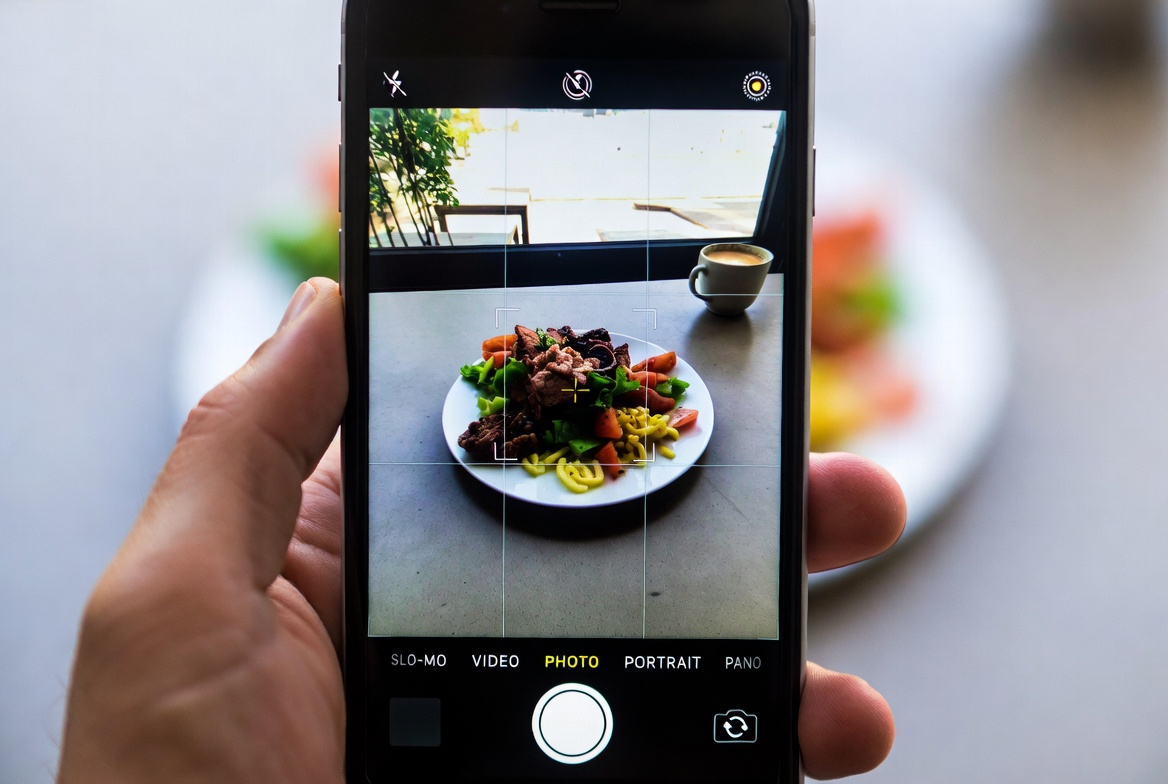
How the AI actually works. Can you snap a photo and get instant results? Or does it require perfect lighting and direct angles? Does voice logging actually work, or does it require you to repeat yourself five times?
UI and usability. You'll use this app daily. If navigation is painful, you'll quit.
Free tier value. Does the free version give you enough to stick with it, or is it crippled to force you to upgrade?
Cost and sustainability. Subscription inflation is real. Will you actually pay for this in six months?
MyFitnessPal: The Legacy That Refused to Update
MyFitnessPal has the largest food database of any app. That's its main superpower, and honestly, it's still valuable.
The database is so massive that for 90% of foods, you'll find an exact match. Restaurant chains, packaged foods, even obscure brands—it's all there. That alone keeps millions of users from switching.
But everything else feels dated.
The interface is clunky. Searching for food requires typing and scrolling through options. The "AI features" feel tacked on—like someone added a photo recognition button last minute without integrating it into the actual experience. The free version is unusable for anyone serious about tracking; ads pop up constantly and most features are locked behind a paywall.
Premium is $10/month, which adds up fast. For that price, you get ad-free access and slightly better recipe logging. The AI photo recognition exists, but it's not great. I had better success with older food photos that had clear lighting and single items. Multi-item meals? Forget it.
Best for: People who've already invested years here and know the database intimately.
Avoid if: You want a modern experience or you're trying this for the first time.
Lose It!: The Barcode Scanner That Forgot to Innovate
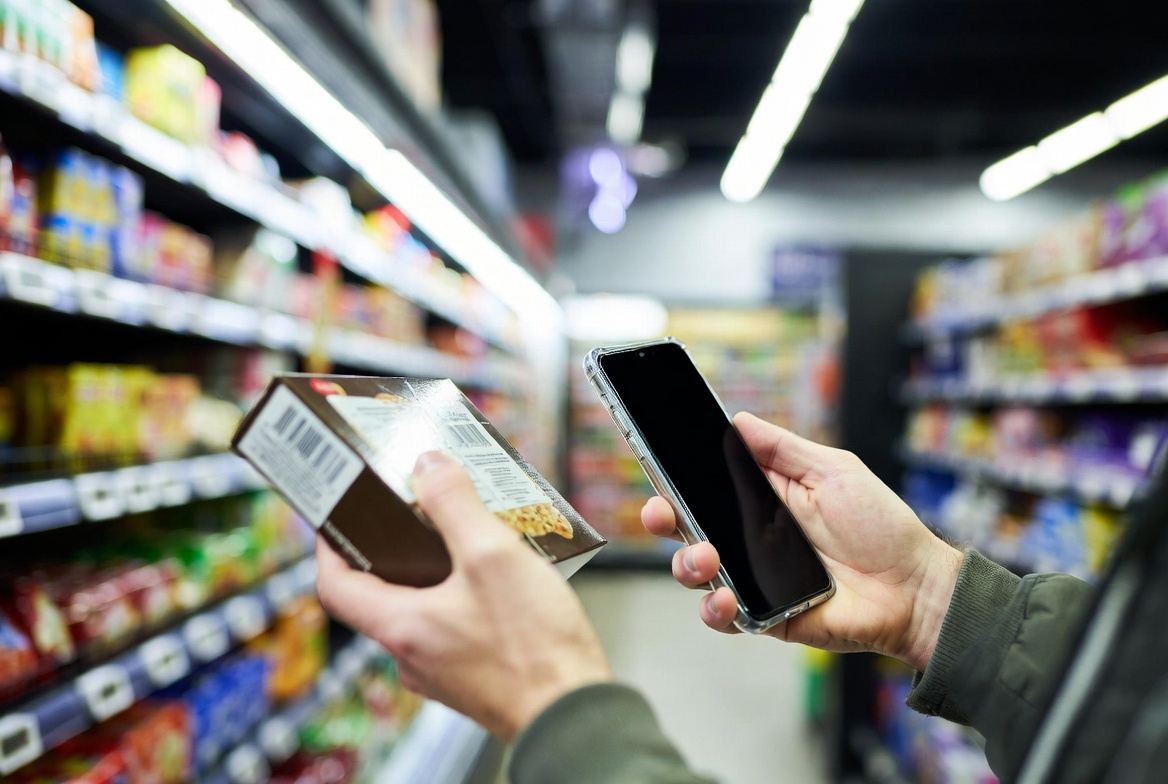
Lose It! has a solid barcode scanner. That's its identity, and it does it well. Packaged foods? Scan and done.
The interface is cleaner than MyFitnessPal. Design-wise, it's modern and doesn't make you want to switch apps every time you log breakfast. The community features are decent if you care about social motivation.
The AI photo recognition is inconsistent. Sometimes it nails a photo of homemade pasta. Other times it completely misidentifies a simple salad. I used it for three weeks and had to fall back on manual entry for most meals, which defeats the purpose of "AI recognition."
The free tier is more restricted than competitors. You get basic logging, but detailed nutrition breakdown is premium-only. At $9.99/month, it's a decent value, but the AI doesn't justify the cost.
Best for: People with lots of packaged foods who love barcode scanning.
Avoid if: You eat mostly whole foods or homemade meals.
Cronometer: The Nutritionist's Tool (Not for Casual Users)
Cronometer is the gold standard if you care about micronutrients. Seriously. The database is solid, and the nutrient analysis is the most detailed of any app out there.
Need to track your vitamin D, selenium, and manganese intake? Cronometer does that better than anyone.
The problem is the UI. It's not unfriendly, but it's clinical. Everything feels like a tool built for nutritionists and athletes, not for someone casually trying to lose weight. The learning curve is real. And there's a lot of information on screen at once, which can feel overwhelming.
The AI angle here is honestly weak. Cronometer doesn't have strong photo recognition or voice logging. It's good at data management and analysis, but if you're looking for AI convenience, this isn't it.
That said, the premium tier is reasonably priced at $4.99/month (cheaper than most), and the data export features are excellent.
Best for: People tracking specific micronutrients, athletes, or anyone who loves spreadsheets.
Avoid if: You just want to lose weight without obsessing over vitamin levels.
Noom: Psychology-First, AI-Lacking
Noom's pitch is different from other apps. It's about behavioral change, not just calorie counting. That's actually smart—most people fail at diet tracking because of habits, not because they can't count.
The problem is what they call "AI coaching" isn't AI in any meaningful sense. It's templated advice and pre-written messages from a database. When you get a "personalized" message from your Noom coach, it's the same message thousands of other users get that day.
The subscription is expensive. $60/month in many markets. For that, you get daily lessons, some human coach interaction, and basic food logging. The food recognition is mediocre. Logging takes effort.
If you're committed to the psychological side and can afford it, Noom works because you get a structured program. But the "AI" part is marketing. You're paying for content and coaching, not intelligence.
Best for: People who respond well to daily coaching and behavioral psychology frameworks.
Avoid if: You're budget-conscious or skeptical about the coaching model.
Pota: The New Kid with Real AI Potential
Pota is newer to the market. It uses an AI agent approach that's conceptually different from other apps.
Here's what actually works: photo logging, voice logging, and text logging all feel genuinely integrated. You can snap a photo, describe it to the agent via voice, and it logs. Voice input through the agent is surprisingly accurate. The app has a feedback system where you can rate responses, with that data feeding back to improve future results.
The food lookup is AI-powered rather than a fixed offline database. Pota searches the internet for nutritional data, prioritizing trusted sources like USDA FoodData Central and Open Food Facts to keep results accurate and grounded. It can handle a vast range of foods—not just what's pre-loaded in a static list.
The medical context awareness is genuinely useful. Pota tracks conditions including Type 1 & 2 Diabetes, High Cholesterol, High Blood Pressure, Heart Disease, Kidney Disease, Celiac Disease, Lactose Intolerance, Food Allergies, IBS, and PCOS. The restaurant finder feature works with your location and nutrition goals—premium unlocks more results.
The honest limitations: it's a newer app, so some features are still being refined. The AI estimation isn't always perfect, especially for highly regional or uncommon dishes. A few features feel like they're still growing into themselves.
Pricing starts from $8/month for premium, and there's a free tier with real functionality. Premium unlocks higher monthly limits, more food scans, cloud storage, and an ad-free experience.
Best for: People who want a conversational AI approach to food logging, and those with specific medical conditions or dietary needs.
Avoid if: You prefer a fully mature app with a large established community, or want total manual control over every entry.
Side-by-Side Comparison
| App | Database Size | Photo Recognition | Voice Logging | UI/UX | Free Tier | Cost | Best Feature |
|---|---|---|---|---|---|---|---|
| MyFitnessPal | Largest | Mediocre | No | Outdated | Severely limited | $10/mo | Food database |
| Lose It! | Large | Inconsistent | No | Modern | Basic | $9.99/mo | Barcode scanner |
| Cronometer | Large | No | No | Clinical | Solid | $4.99/mo | Micronutrient tracking |
| Noom | Small | No | No | Good | Limited | $60/mo | Behavioral coaching |
| Pota | AI-powered | Excellent | Excellent | Clean | Generous | from $8/mo | AI agent approach |
Which App Should You Actually Use?
If you eat mostly packaged foods: Lose It!, because the barcode scanner alone saves time.
If you care deeply about micronutrients: Cronometer, no competition.
If you want behavioral change support: Noom, despite the cost.
If you want the newest, best AI features: Pota, especially if you have specific health conditions or want a conversational approach to logging.
If you eat a mix of everything and just want consistency: MyFitnessPal, because the database size eventually pays for itself in time saved.
Real talk though: the best app is the one you'll actually use. If you hate the interface, you'll quit in two weeks. Spend time with the free tier. Don't just pick based on features—pick based on how it feels daily.
FAQ
Is AI calorie tracking actually accurate?
As accurate as you are. The app can recognize food with 85-95% accuracy in good conditions. The bigger variable is portion sizes. You still need to verify what the app logged. No AI removes the human responsibility.
Which app has the best photo recognition in 2026?
Pota is leading here. The photo recognition is genuinely usable without perfect conditions. MyFitnessPal has improved but still requires careful angles. Lose It!'s is too hit-or-miss to rely on. Cronometer and Noom don't prioritize photo features.
Do I really need AI for calorie tracking?
No. A spreadsheet works fine. AI features exist to save time and reduce friction. If you're disciplined and enjoy manual entry, you don't need them. If you like convenience and you're willing to check the app's work, AI features matter.
Are the subscription costs worth it?
Depends on adherence. If you'll actually use the app for six months, yes. Most people quit within weeks. The free tiers give you enough to succeed if you're motivated. Only pay if the premium features specifically solve a problem you have (like Cronometer's micronutrient tracking or Pota's voice logging).
Can I switch between apps without losing data?
Most apps don't make this easy. Cronometer exports well. MyFitnessPal and Lose It! have limited export features. Pota is still developing this. Plan to lose some history if you switch, especially with recent logs.
The AI calorie tracker market is maturing. The hype is cooling. What you're left with are genuinely useful tools with real limitations. Pick one, commit to it for at least two weeks, and trust your experience more than marketing claims.
Your results come from consistency, not from which app you choose.